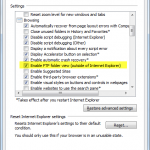
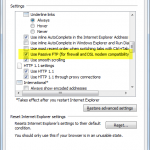
Configuring Internet Explorer to be able to connect to BulletProof FTP Server (or any FTP Server) is very easy to do and requires the toggling of two (2) options from:
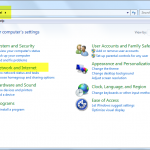
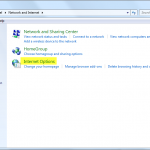
Windows Start Button -> Control Panel -> Network & Internet -> Internet Options, click the “Advanced” tab and check “Enable FTP Folder” and “Use Passive FTP”.
Below are screen-shots for accessing these features in Windows. Please click the small-image to view the full-image.